How to Keep Track of Who Unfollowed You on Social Media
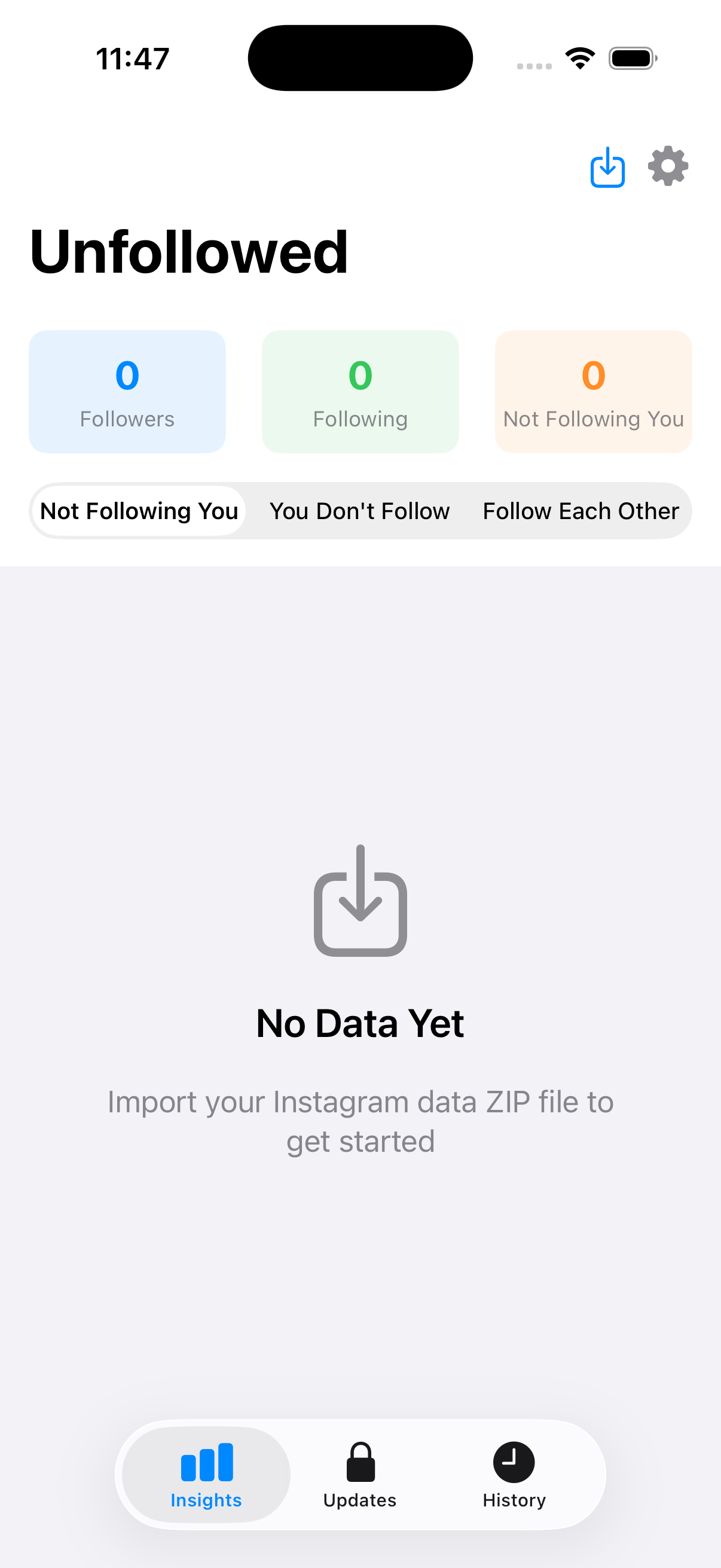
If you’ve ever wondered how to track who unfollowed you on instagram, you’re not alone. Many social media users are interested in knowing who has chosen to stop following them. In this article, we’ll explore various methods and tools that can help you keep tabs on your followers and discover who unfollowed you.
Understanding the Impact of Unfollowers
Unfollowing can be a confusing experience, especially if you’re an active user looking to grow your social media presence. Understanding the reasons behind why people unfollow can also provide insights into your content strategy. Factors such as posting frequency, content relevance, and engagement levels can all play a role.
Why Keep Track of Unfollowers?
Tracking who unfollows you can be beneficial for several reasons:
- Content Improvement: Identifying patterns in unfollowing can guide you in refining your content strategy.
- Engagement Analysis: It helps to understand your audience better and what they expect from your account.
- Relationship Management: By knowing who’s leaving, you can try to re-engage them or simply learn not to repeat mistakes.
Manual Tracking Methods
For those who prefer a hands-on approach, manual tracking can be done. Here are a couple of methods:
1. Keeping a Follower List
One straightforward way to track your followers is to take a screenshot of your follower list regularly. This method can be tedious, especially if you have many followers, but it can help you compare lists over time. Simply document your followers once a week or month, and check back to see who has unfollowed.
2. Notes and Observations
Keeping a dedicated notebook or digital document to jot down your followers’ usernames can help you notice any change. Be sure to note the date of your last list for better tracking over time.
Using Third-Party Apps and Tools
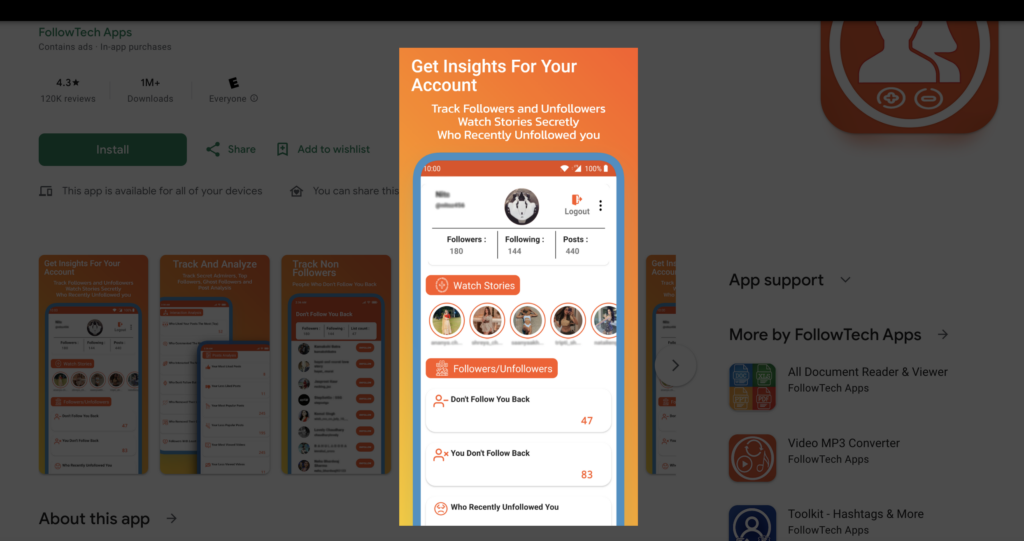
If manual tracking seems cumbersome, various third-party apps can simplify the process significantly. Below are some popular options:
1. Reports+ for Instagram
Reports+ provides comprehensive analytics for your Instagram account, allowing you to see who unfollowed you. This app also provides insights on who is not following back and who engages with your content the most.
2. Unfollowers on Instagram
This app is specifically designed to let you know who has unfollowed you. It offers a simple interface and quick updates, making it a great option for anyone looking to keep track of their follower count.
3. Follower Analyzer
Follower Analyzer is another great tool for more in-depth insights into your Instagram followers. It helps to analyze follower changes and provides engagement metrics to enhance your content strategies.
Tips for Maintaining a Healthy Follower Count
Beyond tracking who unfollows, focusing on maintaining a healthy follower count should align with your social media goals. Here are some tips:
1. Engage with Your Audience
Respond to comments, ask questions in your posts, and create interactive content such as polls and stories to engage your followers more actively.
2. Post Consistently
Find a posting schedule that works for you and stick to it. Consistency helps keep your audience engaged and attract new followers.
3. Monitor Your Analytics
Utilize the analytics tools provided by the platform to understand your audience better and adjust your strategy accordingly.
4. Provide Value
Your content needs to offer value to your followers, whether it’s entertainment, information, or inspiration. Always keep the audience’s interests in mind when creating content.
Conclusion
Tracking who unfollowed you on social media may seem trivial, but it reveals much about audience engagement and preferences. Whether you opt for manual tracking or utilize third-party apps like Reports+, being aware of your follower changes can enhance your social media strategy and help you foster a more engaged community.